
Happy New Year! While we often think about tidying up our homes this time of year, our digital lives could use a little “dusting off” too. A cluttered phone or computer can make things harder to find and even slow your devices down.
Today, we’re sharing some simple, stress-free ways to streamline your tech. Think of it as clearing the digital cobwebs to make way for a smooth, organized 2026! 🚀
Tidy Up Your Phone Screen 📱
If you find yourself swiping through pages and pages of icons just to find your messages, it’s time for a quick cleanup!
-
The “One Year” Rule: Scroll through your apps. If you haven’t opened one in over a year (maybe a game you tried once or a travel app for a trip you already took), delete it. You can always download it again later if you truly need it!
-
Organize Your “Home” Page: Keep your most-used apps—like Phone, Messages, Camera, and Mail—on the very first screen. Move everything else to the second or third page.
-
Group Your Apps: On both iPhone and Android, you can drag one app icon on top of another to create a “Folder.” You can name these folders things like “Utilities,” “Games,” or “Photos” to keep things neat.
Tame the Inbox Jungle 📧
Is your email inbox overflowing with newsletters you never read? Let’s clear the air.
-
The “Unsubscribe” Button: Open your email and look for those promotional emails from stores or services you don’t want. Scroll to the very bottom of the email and look for the tiny word “Unsubscribe.” Clicking this stops them from cluttering your inbox in the future!
-
Mass Delete: If you have thousands of unread emails from years ago, don’t feel like you have to read them. Most email apps have a “Select All” button—it’s okay to hit “Delete” and start fresh for the new year!
Focus on Your Photos 📸
Our phones are great at taking pictures, but they’re also great at filling up with “oops” shots and blurry photos.
-
The Duplicate Hunt: Both iPhone and Android now have features in the Photo app that help you find duplicates. Look for this in your “Albums” or “Tools” section to quickly delete extra copies of the same photo.
-
Delete the “Oops” Shots: Spend 10 minutes scrolling through your recent photos. Delete the accidental pocket shots, the blurry ones, or the three extra photos of your lunch!
-
Back it Up: If you haven’t done it lately, now is a great time to make sure your photos are being saved to a “Cloud” (like iCloud or Google Photos) so you never lose those precious memories.
Strengthen Your Digital Front Door 🔒
A clean tech life is a safe tech life. Take five minutes to do a quick security check:
-
Clear Out Old Passwords: If you use a password manager on your devices, look for old passwords to websites you no longer use and delete them.
-
Check for Updates: Make sure your phone and computer are running the latest software. These updates often include “digital cleaning” that helps your device run faster and more securely.
Give Your Gadgets a Physical Scrub 🧼
Don’t forget the outside! Our phones and tablets can get pretty smudgy.
-
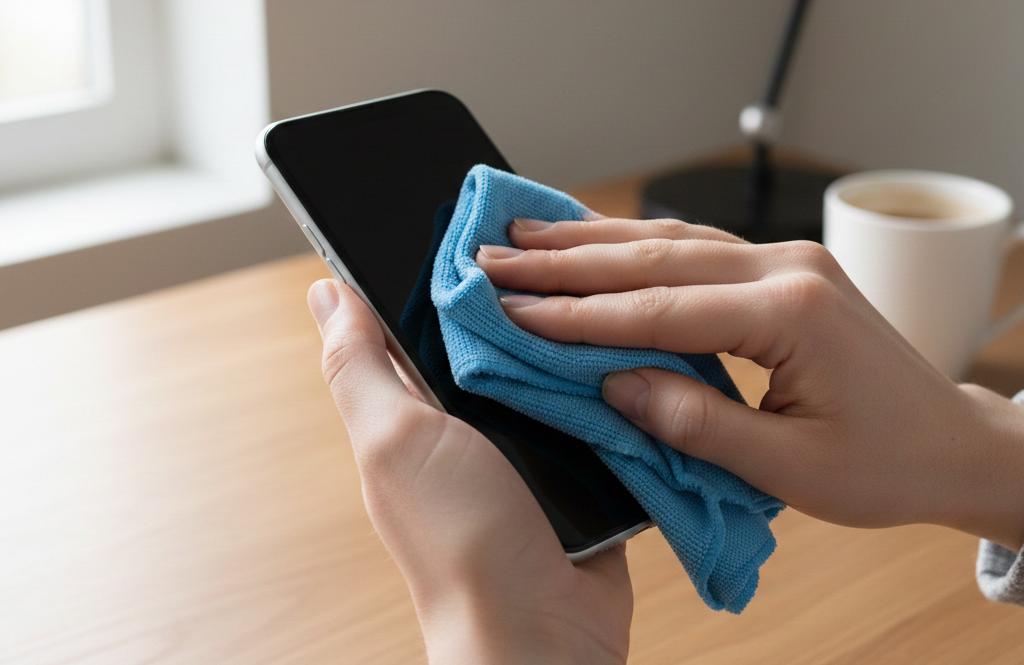
Microfiber is King: Use a soft, dry microfiber cloth (like the ones for eyeglasses) to wipe down your screens.
-
Avoid Harsh Chemicals: Never spray glass cleaner directly onto your phone! A tiny bit of water on the cloth is all you need for stubborn spots.
A little bit of digital organization goes a long way toward making your technology feel brand-new again. You’ll be amazed at how much faster and easier your phone feels to use when it’s not “heavy” with old clutter!
If you run into any snags or want help organizing your files and photos, remember that our Sharks are always here to help you navigate it!