
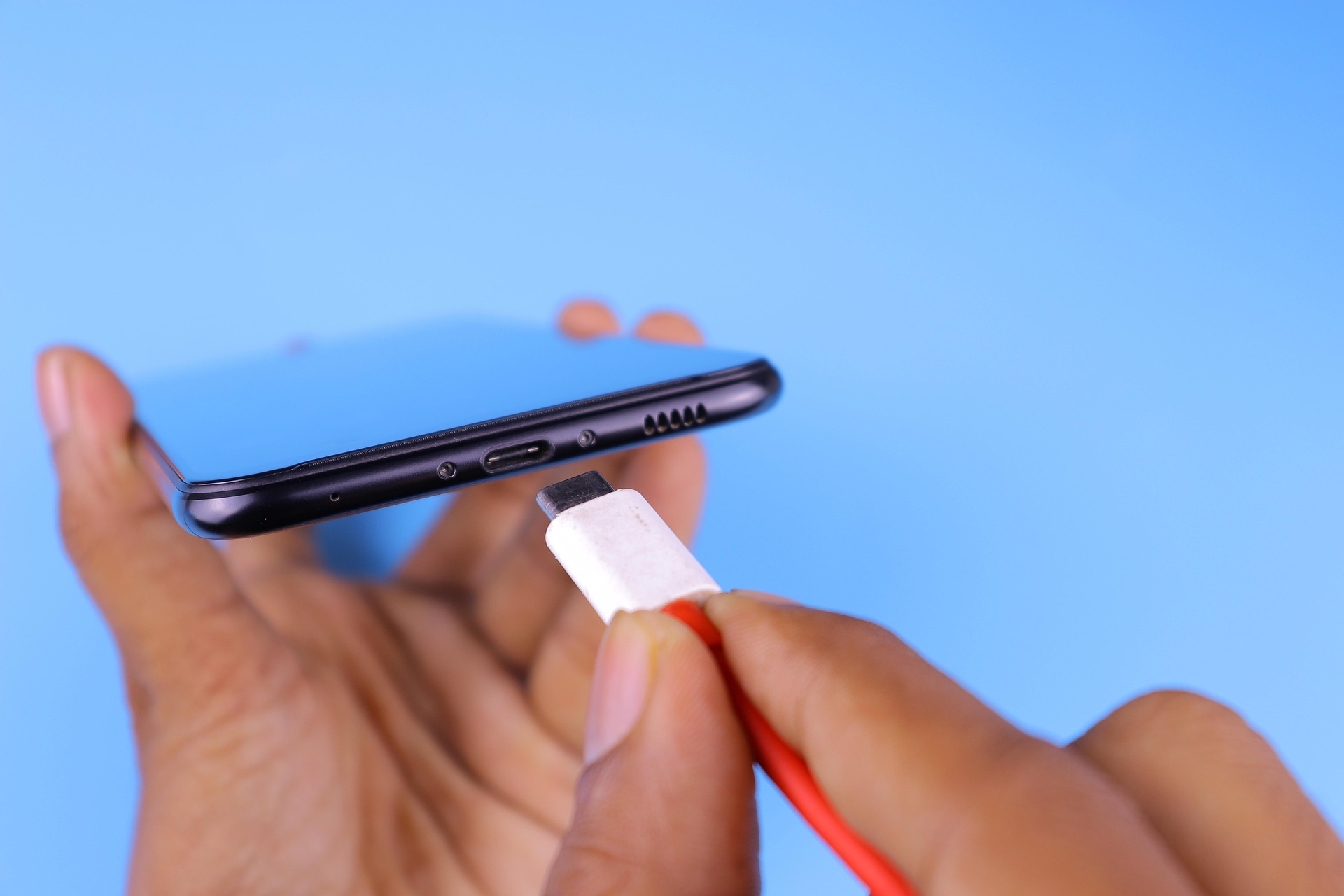
We’ve all been there: you’re traveling or out for lunch, and you see that dreaded “10% Battery” warning on your phone. You spot a public USB charging station at the airport or a cafe, and it feels like a lifesaver.
But before you plug in, there’s a sneaky cyber-scam you should know about called “Juice Jacking.” It sounds like something from a sci-fi movie, but it’s actually a very real way that hackers try to steal your information through a simple charging cable. Today, we’re breaking down what it is and how you can power up safely!
What Exactly is Juice Jacking? 🧐
People often don’t realize that your charging cable does two things at once: it carries power to your battery, but it also carries data.
When you plug your phone into a public USB port (the rectangular or small oval slots built into walls or kiosks), you are not just connecting to electricity—you’re connecting to a computer. “Juice Jacking” happens when a criminal “rigs” one of those public ports to:
- Steal your data: Automatically copying your photos, contacts, or passwords while you charge.
- Install malware: Dropping a “spy” program onto your phone that tracks what you type or where you go.
How to Stay Safe While Charging 🛡️
The good news is that it is very easy to protect yourself once you know the trick. Here are the best ways to avoid being “juice jacked”:
- Use a Wall Outlet: Whenever possible, skip the USB port and plug your own “charging brick” (the cube part of your charger) directly into a standard AC wall outlet. Electricity-only outlets can’t steal your data!
- Carry a Portable Power Bank: These are small, external batteries you charge at home. Since you’re the only one who uses it, it’s 100% safe to use on the go. Here is one from Anker, but many reputable companies make them.
- “Charge Only” Cables: You can actually buy USB cables that have the “data” wires removed, meaning they can only carry power. They are a great investment for frequent travelers!
- Use a USB Data Blocker: These are tiny adapters that you slide onto the end of your cord. They physically block the data pins so only power gets through to your phone. Here is one on Amazon, but they are readily available for less than $10.
What to Do if You Must Use a Public Port ⚠️
If you have no other choice but to use a public USB station, keep an eye out for these “Trust” prompts:
The “Trust This Computer?” Pop-up: If you plug into a charger and your phone asks, “Trust This Computer?” always tap “Don’t Trust” and unplug immediately. A simple wall charger should never ask for permission to access your files.
Signs Your Phone Might Be Infected 📱
If you’ve used a public charger and notice these things, it’s worth getting your device checked out:
- Your phone gets very hot: This can happen if a hidden “spy” app is working hard in the background.
- Sudden battery drain: If your battery starts dying twice as fast as usual, something might be running that shouldn’t be.
- Strange pop-ups: Unusual ads or apps appearing out of nowhere are a major red flag.
Knowledge is power (literally!), and a little preparation goes a long way toward keeping your personal life private.
If you want help picking out a safe portable charger or want us to check your phone for any “uninvited guests,” our Sharks are here to help you navigate it!