
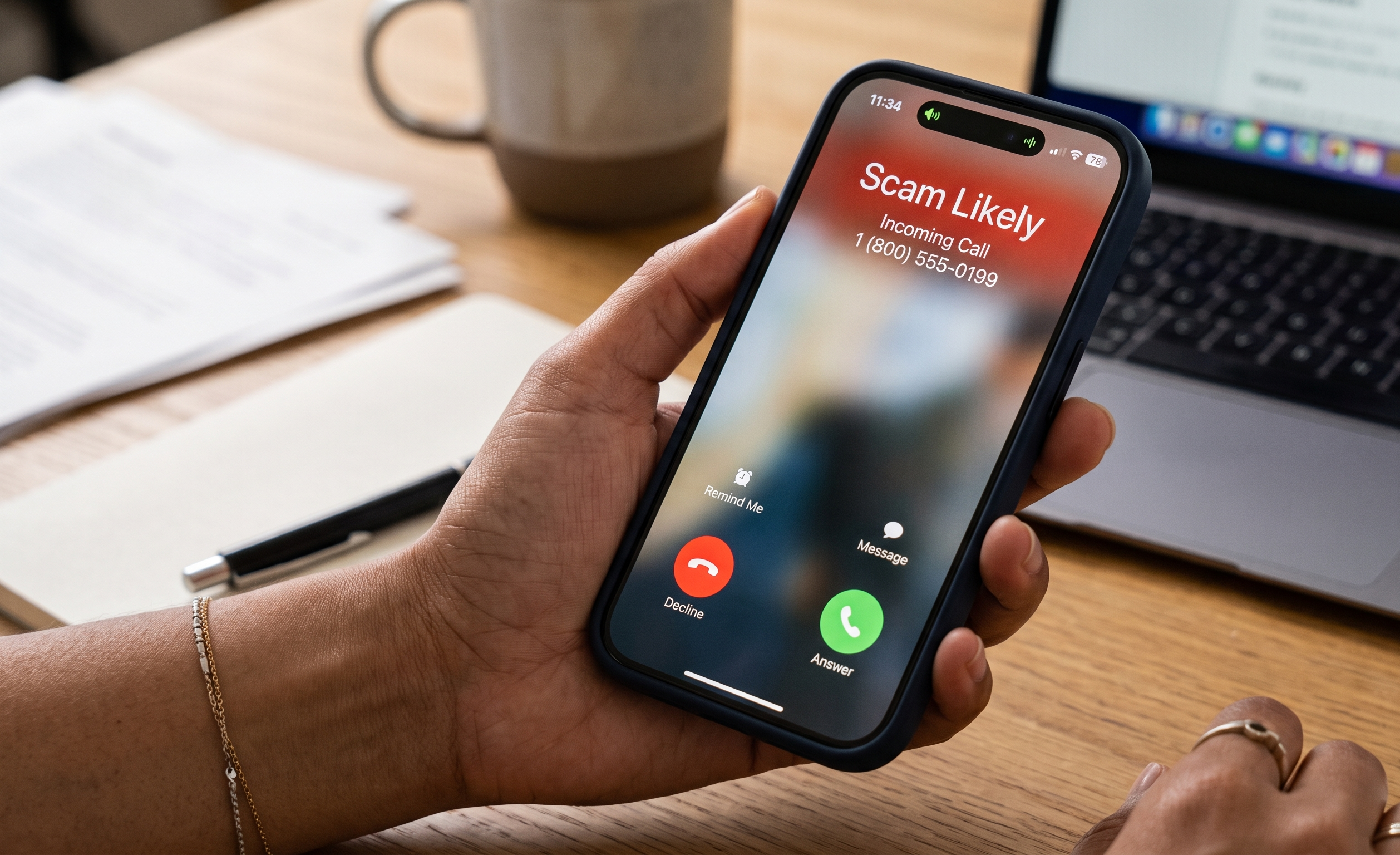
We all know the feeling: your phone rings, you rush to answer it, and it’s a robotic voice asking about your “car’s extended warranty” or a text message claiming you have a mysteriously delayed package.
Spam calls and texts aren’t just annoying interruptions; they are often scams designed to steal your information. But you don’t have to put up with the constant buzzing! Today, we are going to show you how to protect your phone number and silence those spammers for good.
Step 1: Your Phone’s Built-In Bouncers 🛡️
Both Apple and Google have built excellent spam-fighting tools right into your device. You just have to know where to turn them on!
For iPhone (iOS):
- Silence Unknown Callers: Go to Settings > Phone > Silence Unknown Callers and turn it on. If a number isn’t in your contacts, it won’t ring out loud—it will go straight to voicemail. (Note: this can be a hassle when doctors or mechanics call from unknown numbers. It is a trade-off.)
- Filter Unknown Texts: Go to Settings > Messages > Filter Unknown Senders. This creates a separate folder in your Messages app for people you don’t know, keeping your main inbox clean.
For Android (Google Pixel, Samsung, etc.):
- Caller ID & Spam Protection: Open the Phone app, tap the three dots in the top right, and select Settings > Caller ID & spam. Turn on “Filter spam calls” so your phone automatically drops suspected scammers.
- Block Spam Texts: In your Messages app, tap your profile picture or the three dots, go to Settings > Spam protection, and ensure “Enable spam protection” is switched on.
Step 2: Call in the Cavalry (Your Cell Carrier) 🏇
Your wireless provider actually knows a call is spam before it even reaches your phone. All the major carriers offer free apps that serve as powerful filters.
If you don’t already have it installed, search your app store for:
- AT&T: ActiveArmor
- T-Mobile & Sprint: Scam Shield
- Verizon: Call Filter
Once you download and activate your carrier’s app, it will automatically block high-risk fraud calls and label suspicious ones as “Scam Likely” on your screen.
Step 3: Conquering Spam Texts 📱
Text message scams are on the rise. If you get a text containing a strange link or a warning from a “bank,” follow these two rules:
- Never reply “STOP” to a scam: Legitimate businesses require you to reply STOP to opt out. But if you reply STOP to a scammer, you are just confirming that your phone number is active and linked to a real person on the other end, and they will target you more! Just delete the message.
- Forward to 7726: You can report spam texts to your carrier for investigation. Press and hold the spam text, select “Forward,” and send it to 7726 (which spells SPAM on a keypad).
Step 4: The National Do Not Call Registry 📝
While this won’t stop international scammers, it will stop legitimate salespeople from bothering you. You can register your phone number for free at DoNotCall.gov or by calling 1-888-382-1222 from the phone you want to register.
Taking five minutes today to flip these settings on can save you hours of annoyance for years to come. Enjoy the peace and quiet!
If you would like a hand setting up “Silence Unknown Callers,” downloading your carrier’s spam app, or reporting a tricky text message, our Sharks are always here to help you guard your sanity. Schedule an appointment today!