
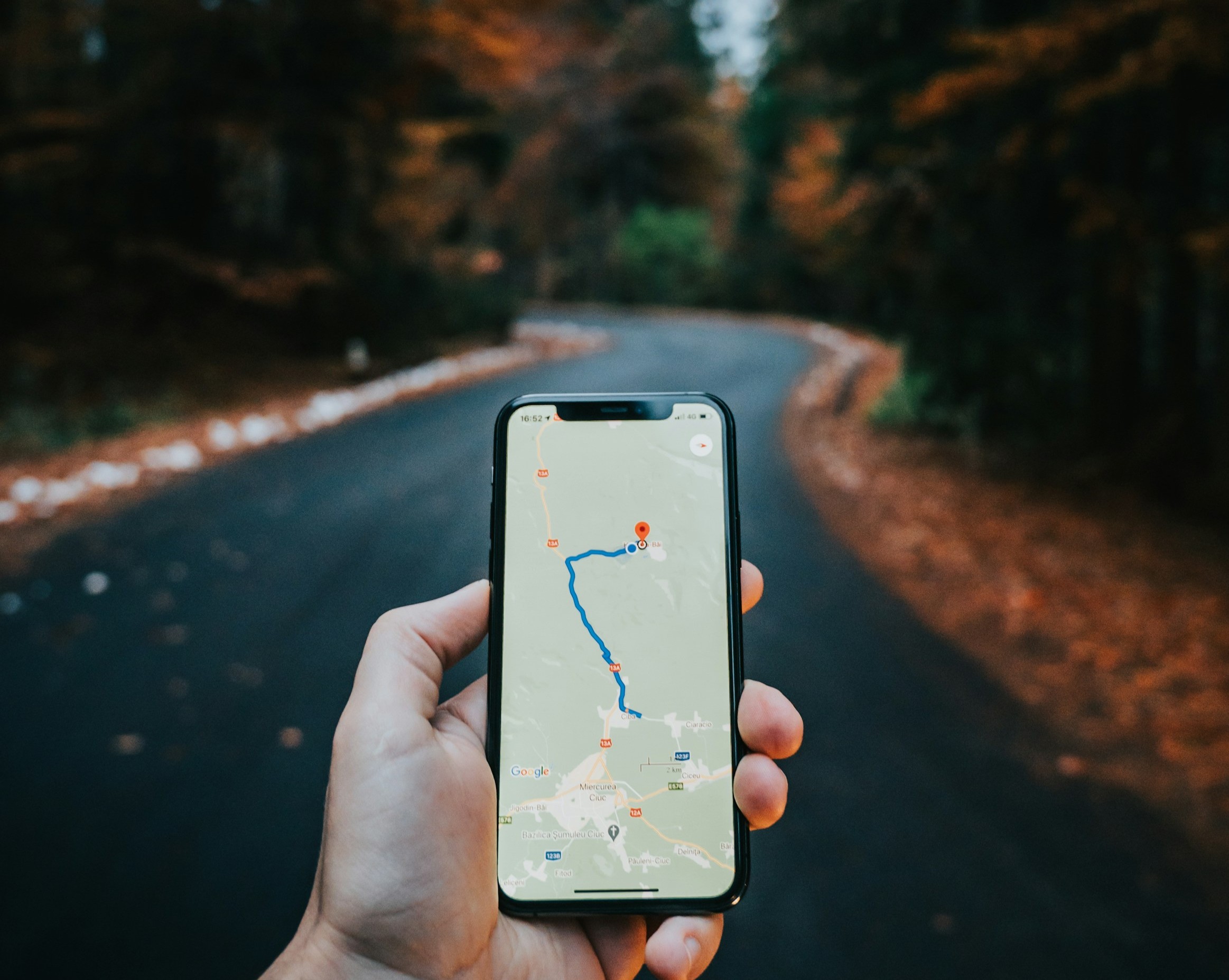
Whether you’re navigating to a new doctor’s office, finding the quickest way to the grocery store, or planning a fun afternoon trip to a local park, modern technology has made getting around simpler and safer than ever.
Today, we’re focusing on the best tools available right on your smartphone to help you travel locally—from finding the fastest route to getting a helpful ride—so you can enjoy your community with confidence! 🗺️
Your Best Friend: The Digital Map App 🗺️
Forget struggling with paper maps! The map app on your phone (like Google Maps or Apple Maps) is the most powerful tool you have for local navigation.
-
iPhone Users: Use the Apple Maps app (white icon with gray arrow and blue direction lines).
-
Android Users: Use the Google Maps app (colorful icon with a tiny red pin).
Essential Map App Tricks:
- Get Turn-by-Turn Directions: Just type in the name or address of where you want to go. The app gives you voice-guided directions—just like a friendly co-pilot—telling you exactly when to turn.
- Check Travel Time & Traffic: Before you leave, you can see how long the trip will take and if there’s any traffic slowing things down. This is great for timing appointments!
- Find Nearby Places: Use the search bar to find local services quickly: Type “Pharmacy near me” or “Coffee shops”. The map will show you options, often with opening hours and phone numbers!
- Save Your Favorites: You can “pin” or “star” important places like your home, your doctor’s office, or your favorite restaurant. This saves you from typing the address every time!
Rides on Demand: Using Ride-Sharing Apps 🚕
Ride-sharing apps like Uber and Lyft are excellent ways to get around, especially if you do not have a car or parking at your destination is a hassle.
-
How They Work: You use the app on your phone to request a ride. The app connects you to a nearby driver, shows you the estimated price before you book, and displays a photo of the driver and their license plate for easy identification.
Spotlight on Lyft Silver:
Many companies offer special services designed with seniors in mind, such as Lyft Silver:
-
What it is: A service designed for older adults that often includes concierge booking (meaning you can call a special phone line instead of using the app) and sometimes includes drivers who have extra training.
-
Why it’s helpful: It streamlines the process, ensuring you still get a reliable ride without the hassle of the regular app.
Key Safety Tips for Ride-Sharing:
-
Always Verify: Before getting into the car, always check that the license plate number, driver name, and car model match what is shown in your app.
-
Share Your Trip: Most apps let you “Share Trip Status” with a family member or friend, who can then track your journey in real time on their phone.
Discovering Local Gems🚶♀️
Your phone is also great for finding fun things to do nearby.
-
Look for Local Library Events: Search Google Maps for your local library or activity center, then check their website for upcoming events or classes.
-
Use the “Nearby” Feature: In Google Maps, tap the “Explore” button at the bottom of the screen. This shows you highly-rated local attractions, parks, and restaurants near you.
-
Public Transit (If Applicable): If your area has buses or trains, map apps can often tell you exactly when the next bus is coming to your stop and what route to take. Look for the “Transit” icon (usually a bus 🚌 or train 🚈 symbol) after you search for a destination.
Getting around your community should be easy and stress-free. With these tools on your phone, you have everything you need for confident navigation!
If you run into any snags while setting up your map app or booking your first ride, remember that our Sharks are always here to help you navigate it! You can always schedule an appointment using the button below.