
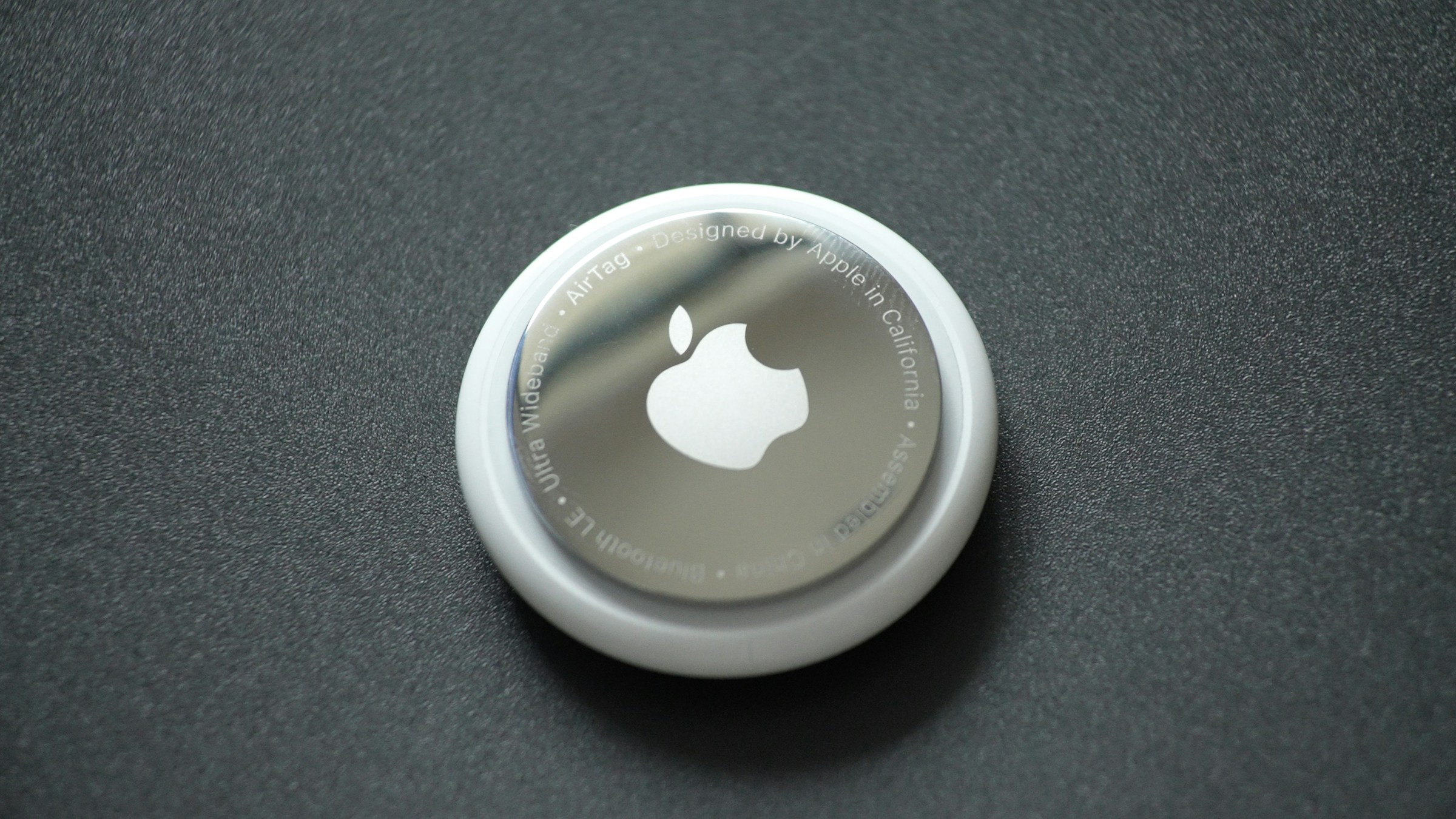
We’ve all done it. You’re ready to walk out the door, and suddenly… where are the keys? Or your purse? Or your phone? Panic sets in, cushions are thrown across the room, and ten minutes are wasted.
What if your keys could just call out to you? Thanks to tiny gadgets called Bluetooth trackers, they can! Today, we are looking at how a small piece of technology can give your everyday items a “superpower” so you never lose them again.
What is a Smart Tracker? 🤔
A smart tracker is a tiny, battery-powered gadget—usually no bigger than a half-dollar coin. It talks to your smartphone using a Bluetooth connection. When you attach a tracker to an important item, your phone can always see exactly where that item is located on a map.
There are three main brands, and the one you should buy depends entirely on what kind of smartphone you use:
- Apple AirTags: The best choice for iPhone users. They use the millions of iPhones out in the world to safely and anonymously bounce their signal back to you.
- Samsung Galaxy SmartTags: Designed specifically for Samsung Galaxy phones, using Samsung’s own network to locate your items.
- Tile: A great option for any phone, but especially popular if your household uses a mix of iPhones and Androids.
How Do You Use Them? 🎒
These trackers are designed to fit seamlessly into your life.
- The Keychain: Most trackers have a hole for a key loop (or a small, inexpensive case you can buy) so they snap right onto your house or car keys.
- The Wallet Card: Companies like Tile make special “Slim” versions that are shaped exactly like a credit card, designed to slide right into the fold of your wallet without adding bulk.
- Luggage & Purses: You can simply drop a standard tracker right into the bottom of your purse, golf bag, or checked suitcase before a flight so you always know where it is.
Making Your Stuff “Beep” 🔊
Here is the real magic. Let’s say you can’t find your keys in the living room.
- Open the tracking app on your phone (like the Find My app on iPhone, or SmartThings on Samsung).
- Tap on your missing item (e.g., “My Keys”).
- Tap Play Sound (or Ring).
Your keys will immediately start playing a loud, chirping melody! You just follow the sound until you find them buried deep in the couch cushions. If you have a newer phone, the app can even point a literal arrow on your screen and tell you, “Your keys are 5 feet to your right!”
Bonus: How to Find a Lost Phone 📱
But what happens if the thing you lost is your actual phone? Don’t panic! You can track it down using a computer or a tablet.
If you lost an iPhone:
- Go to any computer or tablet (even a friend’s) and open a web browser (Google Chrome, Firefox, Safari, etc.).
- Go to iCloud.com/find and sign in with your Apple ID and password.
- It will show your phone on a map and let you press a button to Play Sound—even if your phone is set to silent!
If you lost an Android:
- Go to google.com/android/find (or Samsung’s SmartThings Find website) and sign in with your Google or Samsung account.
- Just like Apple, it will show your phone’s location and let you ring it at full volume.
Adding a smart tracker to your keys or wallet is one of the easiest ways to bring peace of mind to your daily routine. No more panicked mornings!
If you’d like a hand setting up your first AirTag, SmartTag, or Tile, or want to practice using the “Find My” feature so you are ready in an emergency, our Sharks are always here to help. You can book an appointment with a Shark today!